14 SECONDS / NEX CENTRAL TOOL OVERVIEW
Your working day.
In one connected place.
A quick tour of Central, CRM, Marketing Studio, NIA, NEX University, LaunchPad, agent websites, production and transactions. Actual product screens; example contact data is synthetic and private activity is obscured.
Read the overview
- Start in the NEX Central dashboard.
- Organize relationships and follow-up in CRM.
- Prepare branded materials in Marketing Studio.
- Use NIA for drafts, resources and preparation.
- Learn with University videos and self-paced LaunchPad.
- Connect your website, production planning and transaction workflow.
Screen montage, not a live account session. Access varies by role and market.
START WITH YOUR BUSINESS
Make it yours.
Choose your stage for relevant benefits, examples and a useful next step.
THE TOOLS INSIDE NEX CENTRAL
Choose a tool.
See where it fits.
Your business, connected
NEX Central
Priorities scattered across different apps.
- Open your dashboard
- Review tasks and transaction priorities
- Move to the relevant workspace
A clear place to start your day.
Access and modules vary by account and role.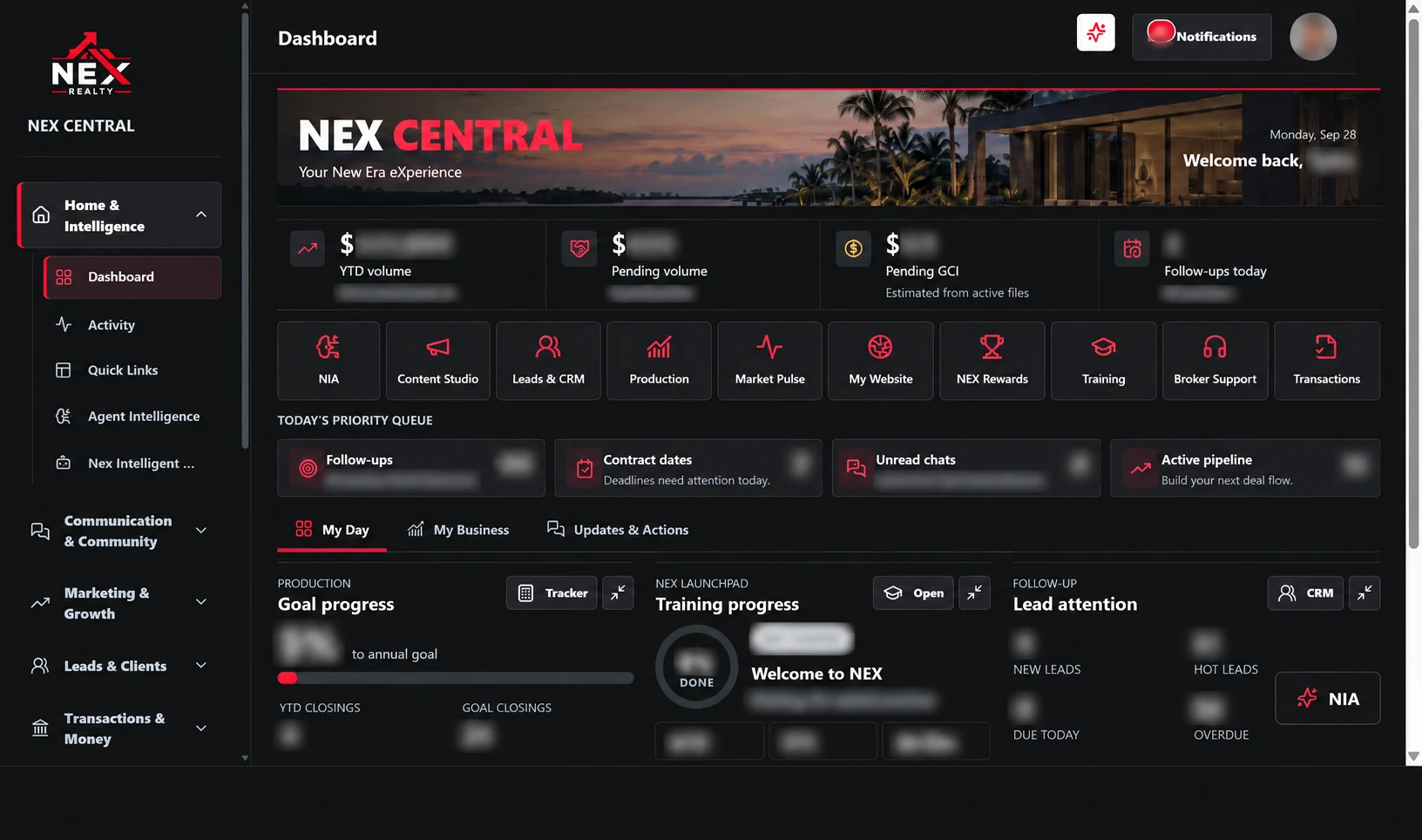
Give every conversation a next step
CRM & follow-up
Good conversations lose momentum without a follow-up plan.
- Save a contact and its source
- Review notes and update the stage
- Add the next follow-up task
The relationship and next action stay together.
Existing NEX CRM contacts, notes, stages, tasks and appointments. Demonstrations use synthetic records.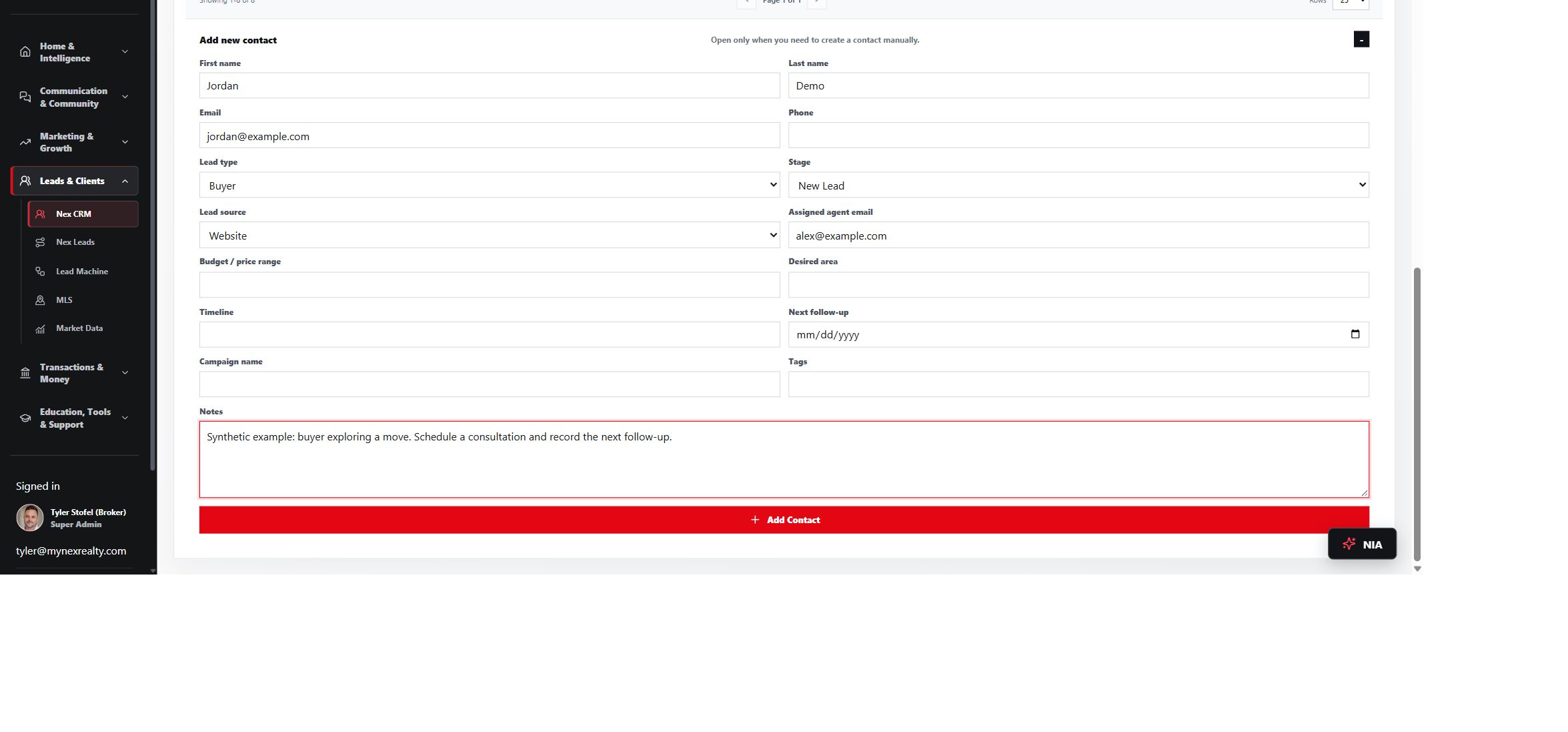
Ask. Prepare. Move forward.
NIA Concierge
You need context before the next conversation.
- Ask a brokerage workflow question
- Review relevant sources
- Escalate a policy or deal-specific question
A useful next step with a human support path.
AI assistance depends on provider configuration. Brokerage and legal decisions stay with the appropriate professional.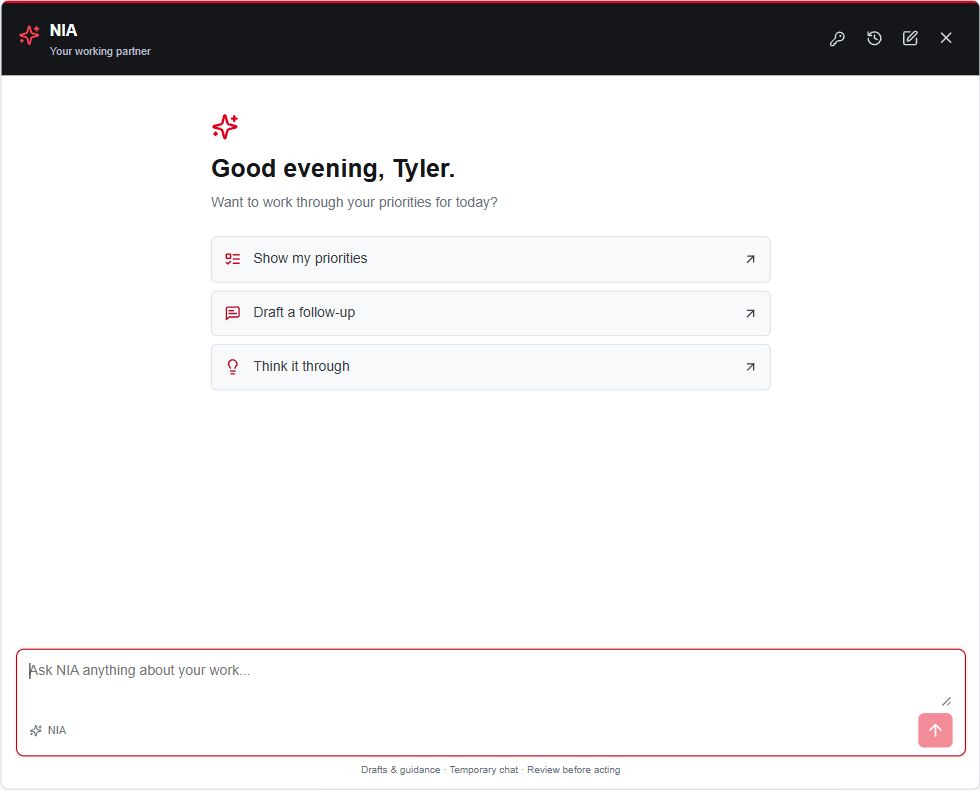
Build a deliberate prospecting workflow
Lead Machine
Scattered lead sources are hard to review and follow through.
- Review an approved acquisition source
- Capture and route an inquiry
- Continue follow-up in the contact workflow
A clearer path from an inquiry to a next action.
Lead Machine workflows exist in NEX Central. Confirm enabled sources, campaign permissions and account access with the team. No guaranteed leads.
Show up with a consistent brand
Marketing Studio
Starting every piece of marketing from scratch.
- Choose a listing, buyer or seller template
- Customize your message and brand details
- Review and export the material
Reusable materials for your actual conversations.
Agents review advertising, MLS and brokerage requirements before publication.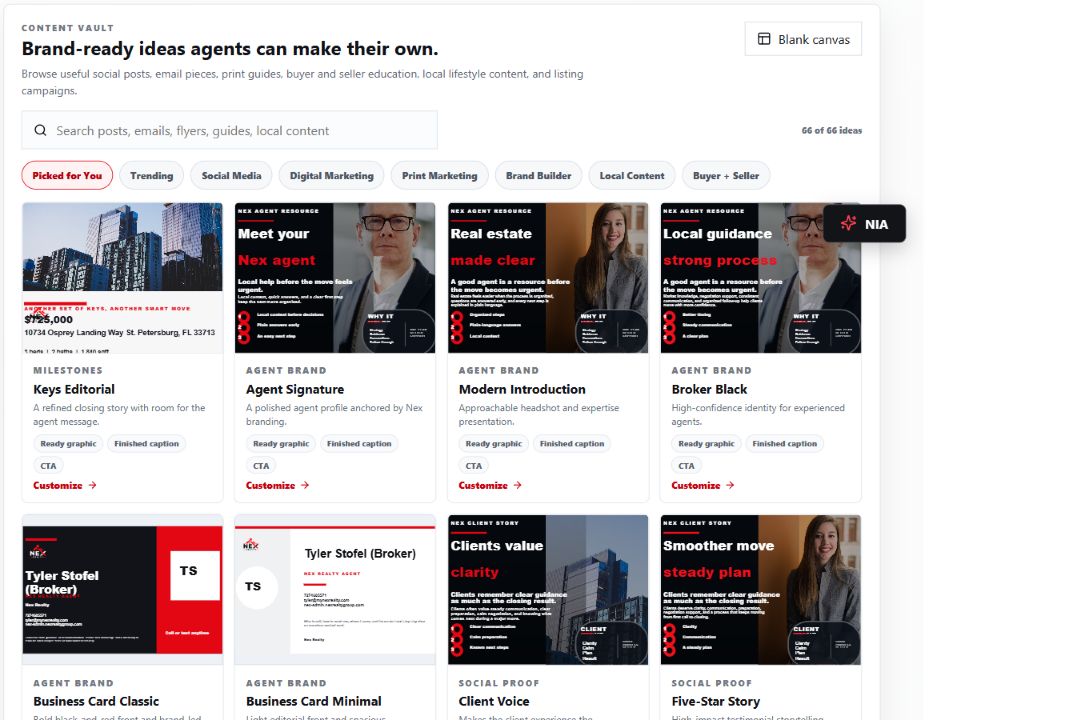
A digital home for your business
Agent website & IDX
Property inquiries need a clear route back to you.
- Share your agent website
- Help visitors explore available properties
- Keep inquiry source and routing visible
A professional web presence connected to your market tools.
MLS feeds, permissions and routing vary by market and account.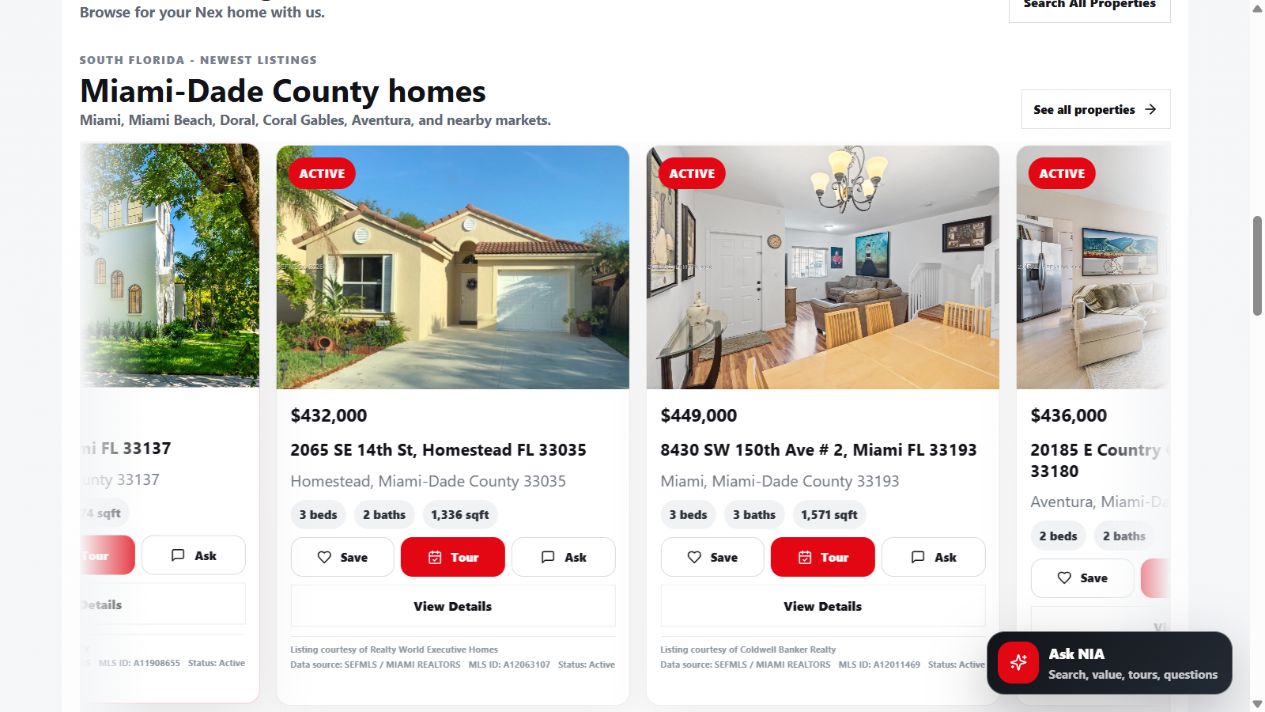
Confidence comes from practice
NEX University & LaunchPad
Build practical skills with hours of video learning, self-paced onboarding and five-day live training.
- Choose a NEX University video for your current work
- Practice a self-paced LaunchPad lesson
- Bring your questions to five-day live training
A repeatable path from learning to doing.
NEX University has hours of on-demand video content. NEX LaunchPad is self-paced with structured lessons, practice and knowledge checks. NEX offers five-day live training; ask for current session dates.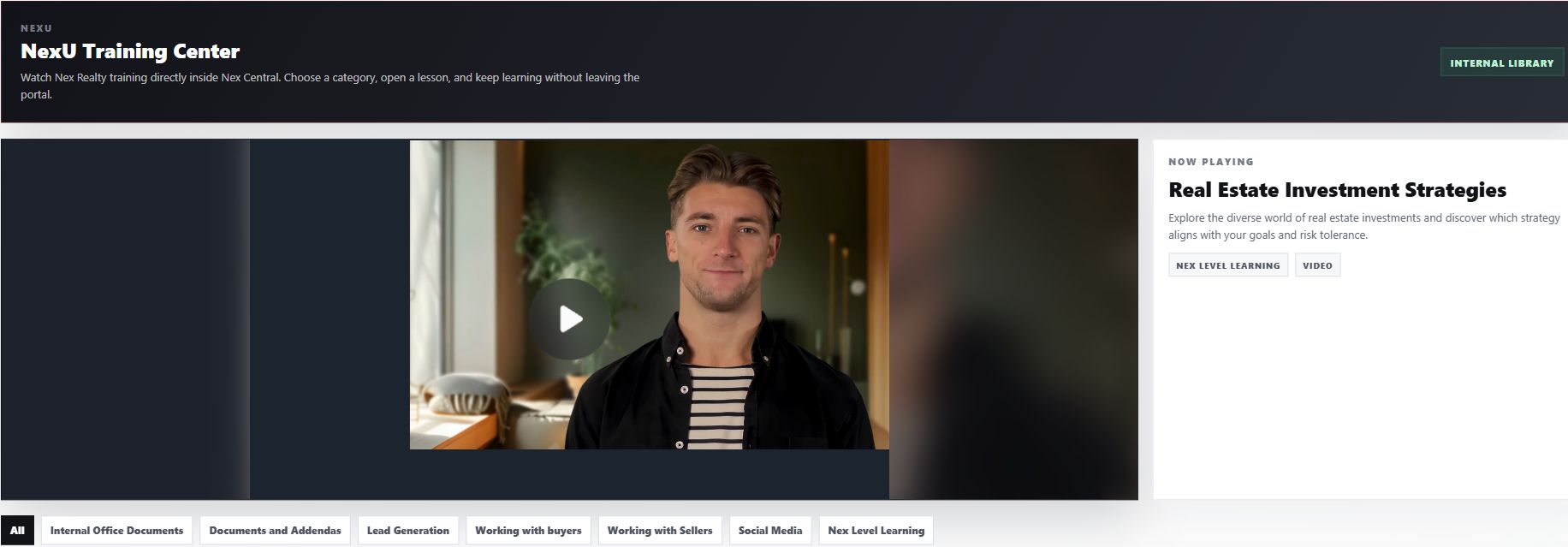
Connect goals to daily activity
Production tracking
A production target needs an actionable routine.
- Set your production assumptions
- Plan calls, conversations and appointments
- Review your recorded activity
More visibility into the work behind your goals.
Estimates and recorded activity are planning tools, not predicted earnings.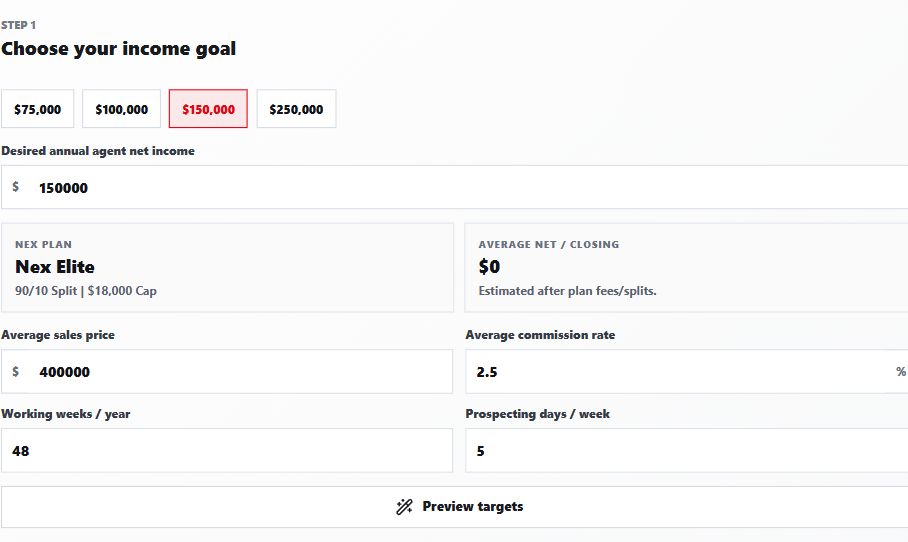
Know when to bring in a human
Broker & transaction support
You should not guess about a contract or compliance question.
- Meet the team in SoWork during 9–6 weekday business hours
- Call, text or email around the clock
- DM in Central or ask NIA to help find a resource
A clear route to brokerage guidance.
Live SoWork help Monday–Friday, 9 AM–6 PM Eastern. Round-the-clock contact by call, text and email; support DMs in NEX Central and NIA for resources and preparation. Immediate response is not guaranteed.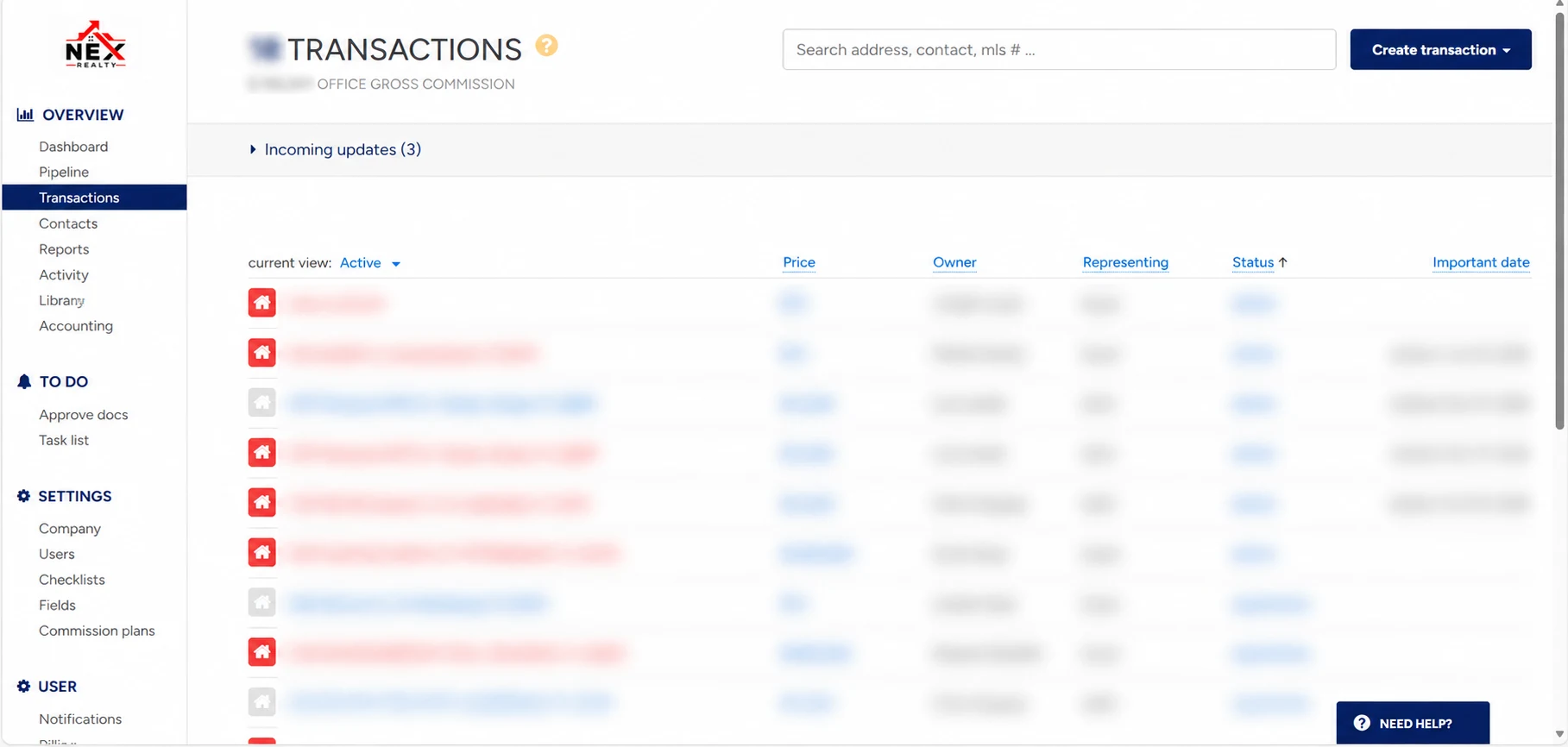
INTERACTIVE DEMOS / SAMPLE DATA
Put the tools in motion.
Open a sample contact, preview a marketing piece or explore the dashboard. These interactive demos use fictional contacts and properties.
CRM / GUIDED PRODUCT WORKFLOW
From first inquiry
to a clear next move.
Explore how the conversation, context and follow-up fit together inside NEX. Choose a fictional inquiry and see how the next step changes.
GUIDED CRM WORKFLOW · FICTIONAL EXAMPLE
01 / UNDERSTAND
The inquiry
Hi, I’m exploring buying in Tampa Bay. My timing is within 90 days. I’m not sure where to start with financing. What should I do next?Known facts
- Buying in Tampa Bay
- Stated timing: Within 90 days
- Budget and lender status are unknown.
- Specific location preferences are unknown.
02 / PREPARE
A useful conversation
- What matters most about the move and location?
- Have you spoken with a lender, and what questions remain?
- What would need to happen for your within 90 days timing to work?
Start with these questions because the inquiry leaves key decisions unresolved.
Inspect sample conversation wording
Prepared for this guided example. This does not demonstrate live CRM AI drafting or send a message.
03 / CHOOSE A RESPONSE
What does the fictional prospect say?
04 / CONNECT THE PLAN
New inquiry
SAMPLE · NOTHING SENT OR BOOKEDNext action: Choose a fictional response above to see a connected next-step plan.
Timing: Agent chooses the next step after the conversation.
Notes and activity timeline
Buyer inquiry · Tampa Bay · Within 90 days. No prospect response selected yet.
- Inquiry received — fictional website message
- Conversation prepared — questions and missing facts
- Prospect response — choose a branch
- Next action — remains an agent decision
The agent decides the response, permission and timing. Bring contract, transaction and brokerage questions to NEX support.
Compare with the actual NEX CRM screen
02 / MARKETING STUDIO · SAMPLE DATA
Preview your branded piece.
Fictional properties and illustrative artwork. No MLS listing, advertising publication or live export.
Select a sample property and preview the piece.
03 / NEX CENTRAL · REAL SCREEN, SAMPLE EXPLORATION
Explore the Central workspaces.
Choose a highlighted workspace to see where it fits in a working day. Private activity in the actual capture is obscured.
Open a workspace above to explore a sample next step.